Clipped
Clipboard history without the usual bloat.
- Platform
- macOS
- Interface
- SwiftUI + AppKit
- Storage
- Local SQLite
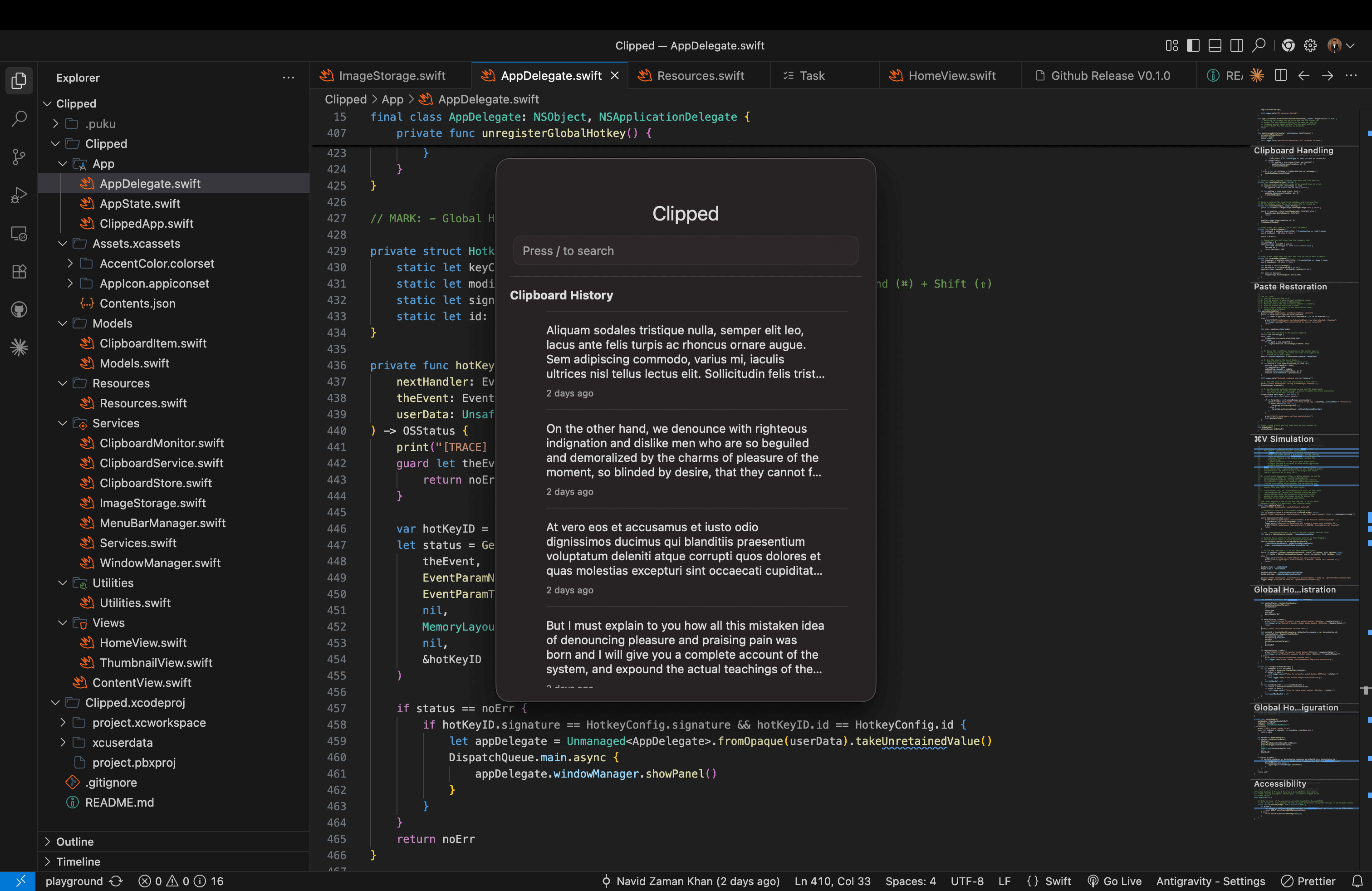
Clipped keeps text and image clipboard history within reach on macOS. It lives in the menu bar, opens with Shift + Command + V, and lets you search, navigate, and paste without leaving the keyboard.
Challenge
Clipboard history is useful only if retrieving an older item takes less effort than finding and copying it again.
Approach
SwiftUI handles the interface while AppKit connects the global shortcut and window behavior to macOS. Clipboard monitoring, SQLite persistence, and window management stay in separate services, so the small interface does not carry the entire application logic.
Outcome
A local-first utility: copied text and images remain on the device, persist between sessions, and can be retrieved through a compact keyboard workflow.
Core stack
- Swift
- SwiftUI
- AppKit
- SQLite
- macOS